Google’s Influence on Photography – Street View and Beyond

Following up on yesterday’s post on Google Street View in the Grand Canyon, here’s a great article from LightBox. It goes over the incredible impact of Google’s Street View experiement, and what it’s done for mapping and photography. From the article:

In the catalogue to the show Exposed: Voyeurism, Surveillance, and the Camera since 1870, editor and curator Sandra Phillips compared the biblical story about elders spying on Susannah to present day, saying: “Today, however they would use cell phones to grab a picture of a young woman in a compromised position and send it to friends, having located her garden through Google Earth. Human hunger for seeing the forbidden has not changed. The technologies to facilitate it have.”

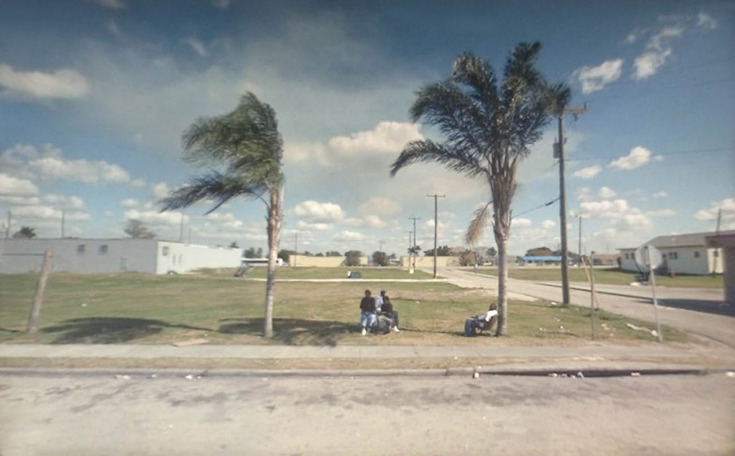
And she’s right—this technology has been adapted quickly by artists and devoured by the art world. Doug Rickard used Google Street View to see the back roads of the nation in a series called A New American Picture, which was featured at New York City’s MoMA last year and is currently on view at Yossi Milo Gallery. Geoff Dyer wrote extensively in the Guardian about Rickard, saying: “Any doubts as to the artistic – rather than ethical or conceptual – merits of this new way of working were definitively settled by Rickard’s pictures. It was William Eggleston who coined the phrase “photographing democratically” but Rickard has used Google’s indiscriminate omniscience to radically extend this enterprise – technologically, politically and aesthetically.”

Street View and Beyond: Google’s Influence on Photography – LightBox.

Google Street View in the Grand Canyon: Google Trekker

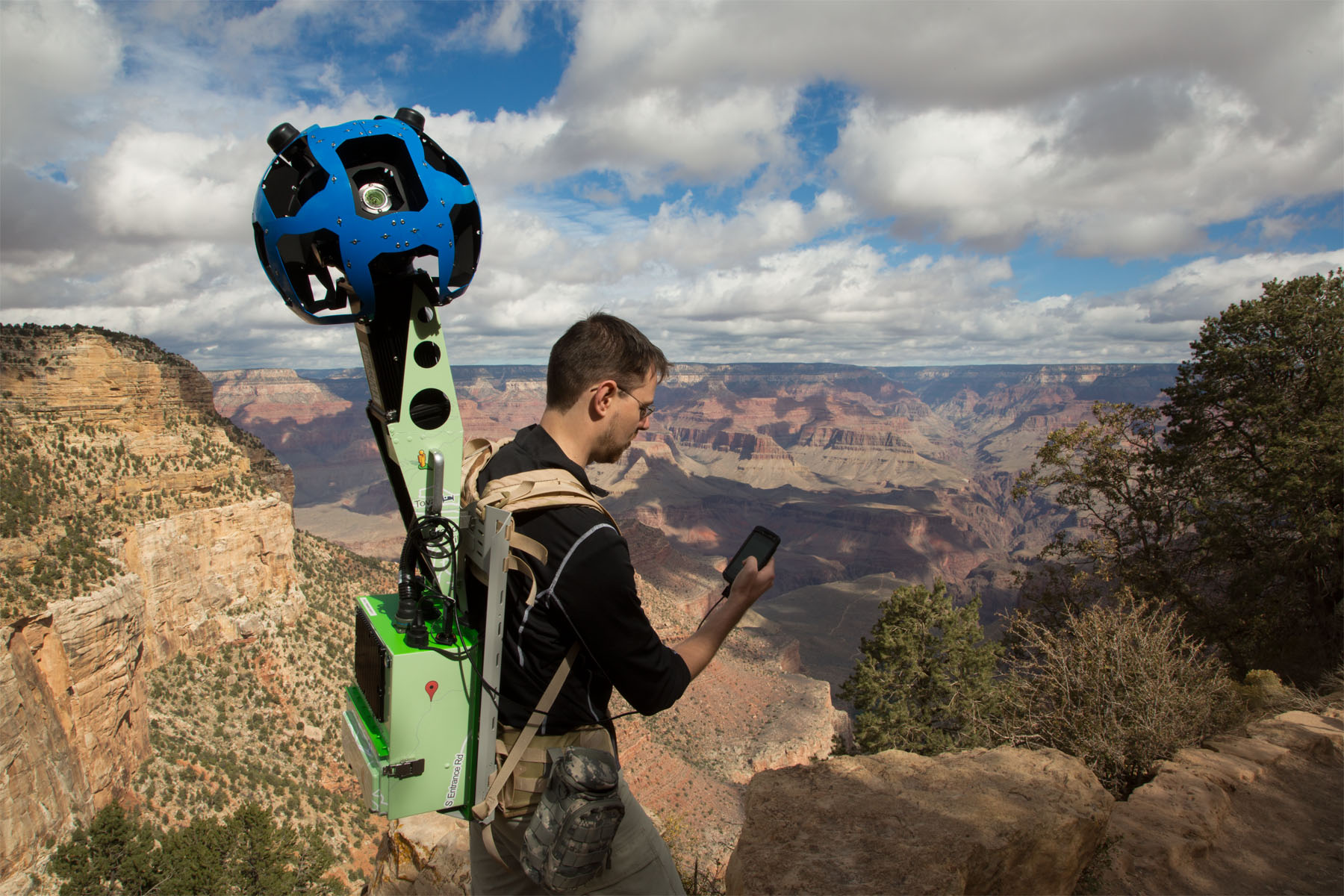
Introducing Google Trekker in the Grand Canyon – what a great use of Google’s street view tech:

Today, demonstrating the rocky and rugged paths we’ll travel to make Google Maps even more complete, we’re collecting imagery from a place no car, trike or snowmobile has ever been before. On its first official outing, the Street View team is using the Trekker—a wearable backpack with a camera system on top—to traverse the Grand Canyon and capture 360-degree images of one of the most breathtaking natural landscapes on the planet.

Google Takes Its Backpack-Sized Trekker Street View Cameras To The Grand Canyon | TechCrunch.

Automated Scrolling with The Story of Send from Google

By far the coolest example of automated scrolling and parallax in HTML by our friends at Google. Here’s their explanation of the site, but the real magic for me comes in how they implemented the concept in code.

We’re answering those questions with Story of Send, a new site that gives you a behind-the-scenes look into how all that virtual information makes its journey through the real world—from your Internet service provider to our data centers and beyond. Along the way, you’ll discover everything from where we filter for spam and scan for viruses to how we’re minimizing our impact on the environment through energy efficiency and renewable power.

The Story of Send.

Google Opens Up Chrome Web Store – Continuing The Move To Web-Apps

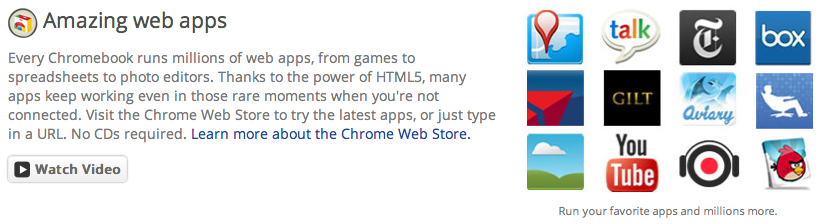
Today it was announced at Google I/O that Google is taking the Chrome Web Store, it’s store for selling applications and modules to run in its Chrome Web Browser, worldwide. Additionally, Google is starting to add in-app purchases, and a flat fee for developers to sell products. This brings the Chrome Web Store even more in line with mainstream “app stores” like Apple’s iTunes Store and the Android Market.

What this means for the industry is that web-apps are continuing to gain momentum towards mainstream use, and will continue to start to cut into the penetration of “installed” apps, in favor of “web-apps”. Google’s example was the newly announced Angry Birds for Chrome.

Chrome’s whole concept and selling point is that all of its applications and functionality happens on the web browser and “in the cloud” – there’s no concept of a user really having installed apps, and everything that’s  done is synchronized across devices, and accessible anywhere. Additionally, most of the actual data processing that happens in an “app” is done offsite in the “cloud”.

Continue reading

Google’s New Nav Bar Being Rolled Out

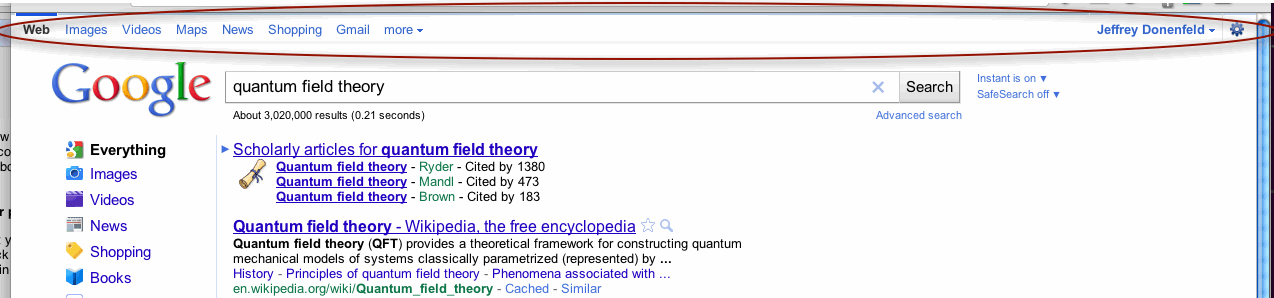
Loading up Google this morning, I was given a brand new shiny navigation bar. The new bar is much more polished than before, and offers enhanced integration with my Google profile. Apparently they’ve been testing this for quite some time now, and are slowly rolling it out to the masses. According to Google Operating System, there are a few different versions, too.

Co-workers Kenny Chung and Ben Beyda also tweeted about this well before the change hit my own account.

Google Labs Julia Fractal Map Uses HTML5

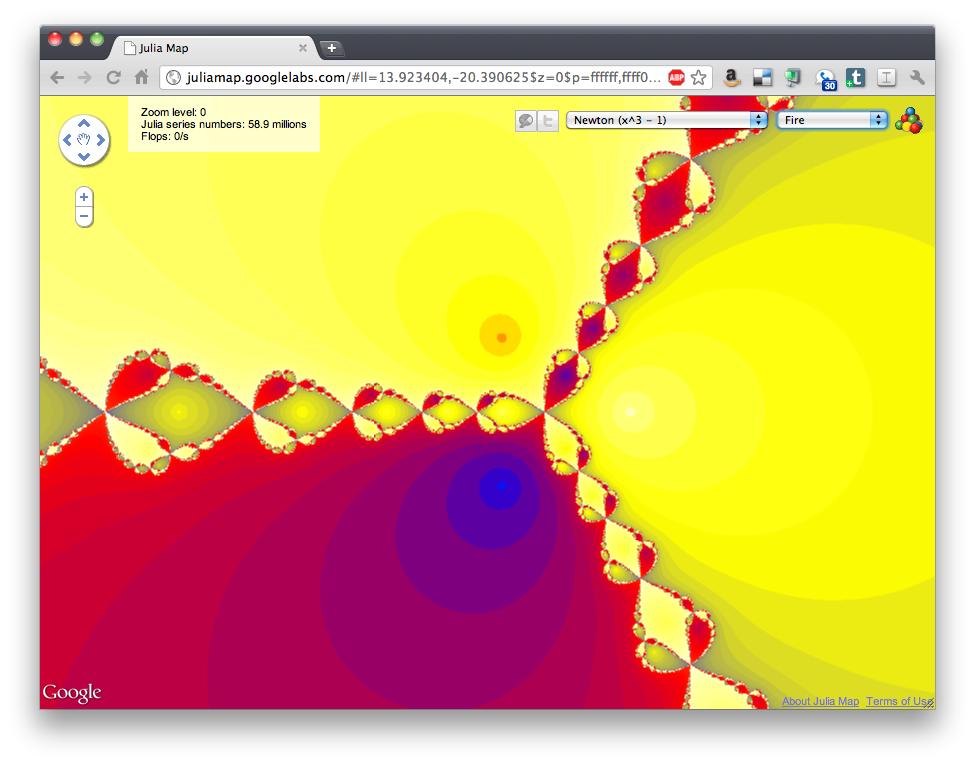
Recently Google Labs released its Julia Map fractal renderer – a neat project that uses the power of HTML5, the simple Google Maps interface, and remote processing to zoom endlessly into fractals. Try it!

Google:

Julia sets are fractals that were studied by the French mathematician Gaston Julia in the early 1920s. Fifty years later, Benoît Mandelbrot studied the set z2 ? c and popularized it by generating the first computer visualisation. Generating these images requires heavy computation resources. Modern browsers have optimized JavaScript execution up to the point where it is now possible to render in a browser fractals like Julia sets almost instantly.

Julia Map uses Google Maps API, and HTML 5 Canvas to render the images. It will let you browse these fractals in an interactive manner. We hope you will enjoy exploring the different Julia sets, and share the URLs of the most artistic images you discovered.

Update 2011-03-11**
Ben Beyda just sent over this new fractal rendering engine, Fractal Lab. From Ben: “We could see this project being pushed even further by adding the ability to create animations from these infinite worlds, which could then be exported and integrated into live visuals and other video-based work.”

Fractal Lab is a WebGL based fractal explorer allowing you to explore 2D and 2D fractal. The fractals are rendered using the OpenGL Shading Language (GLSL) to enable real-time interactivity.

Google favors mobile optimized sites in their mobile search results

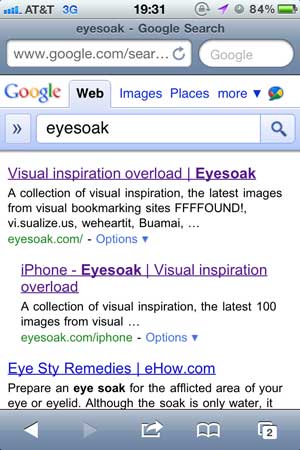
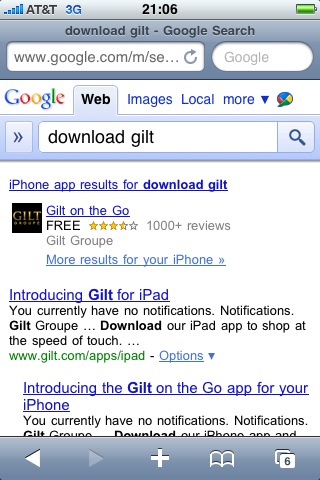
Recently, a client asked me about Google Mobile Search Results, and how the algorithm works to prioritize results aimed specifically at mobile users. In general, I believe that Google favors mobile optimized sites in their mobile search results. There are a number of usability features, such as location base services, screen real estate, and touch gestures that greatly enhance the functionality of Mobile sites. Google seems to be optimizing its mobile search results to deliver sites that deliver enhanced mobile functionality to the user.

For your reference, below are a few resources regarding Google’s treatment of mobile optimized sites.

Resources: